4 steps
Open a support ticket
Send the details that help us fix it.
1In Admin → Support, choose New ticket. Try Search Help first.

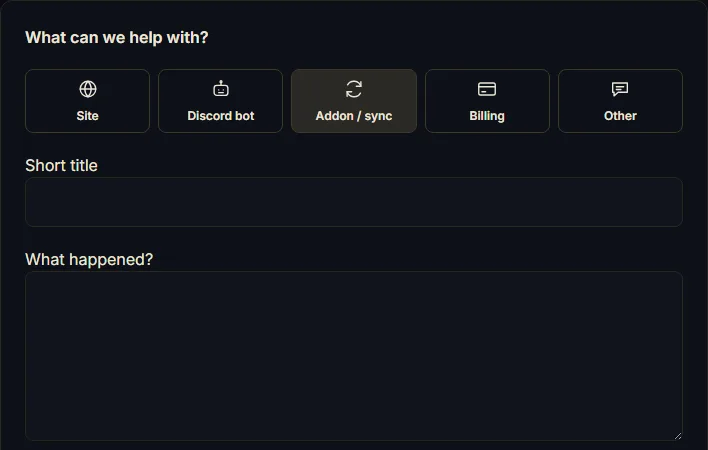
2Choose a topic. Add a short title and what happened, including steps to reproduce.
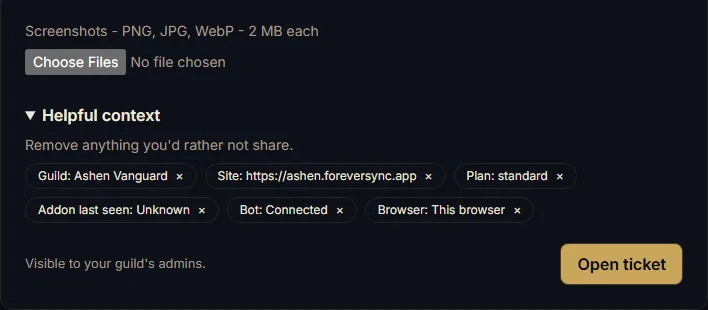
3Attach up to four screenshots, each under 2 MB. Remove private details first.

4Review Helpful context, remove anything private, then Open ticket. Return to Support for replies.