5 steps
Start your guild site
From sign-in to your guild's front door.
1Open Start and continue with Discord.

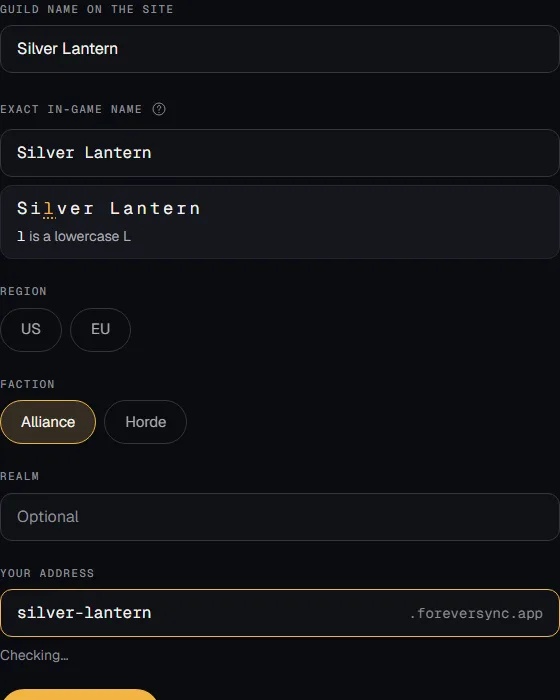
2Choose Add your guild. Enter its exact in-game name and choose your address.
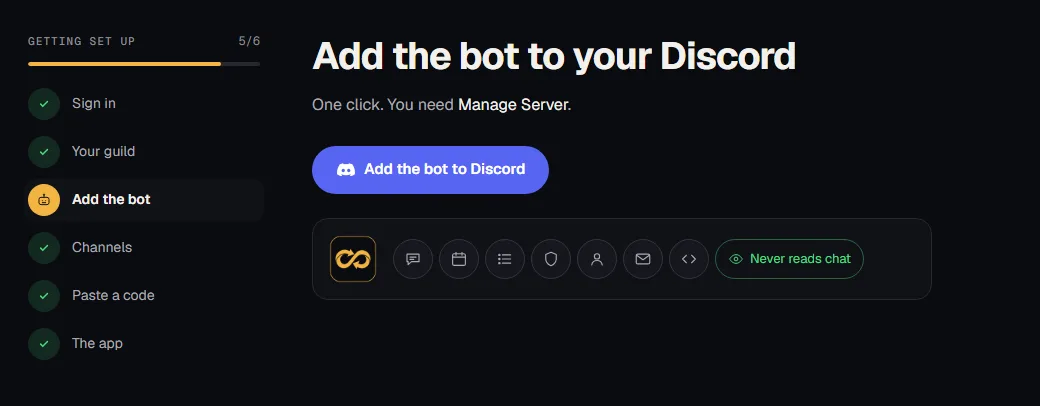
3Add the bot, then pick its channels. You need Discord's Manage Server permission.
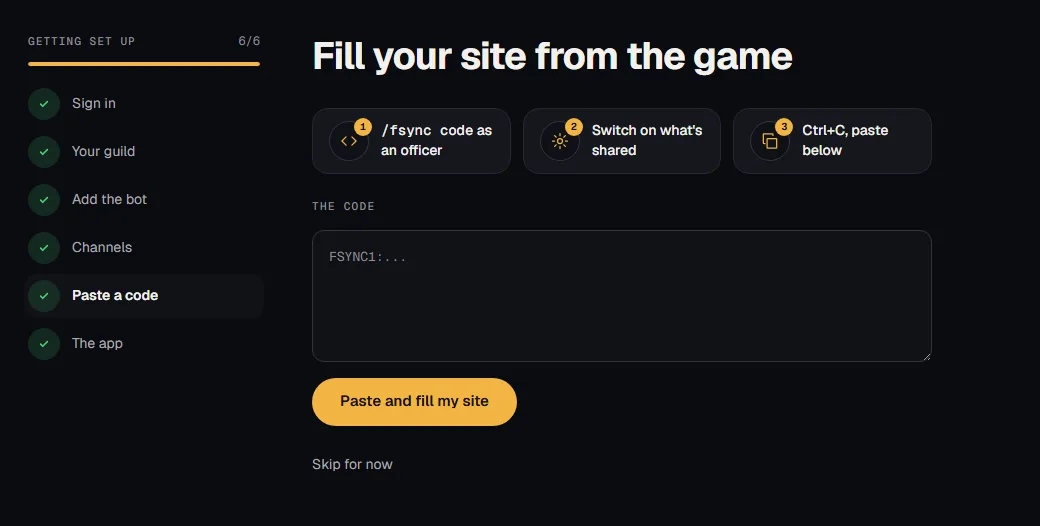
4Paste your first game code, or skip now and sync later.
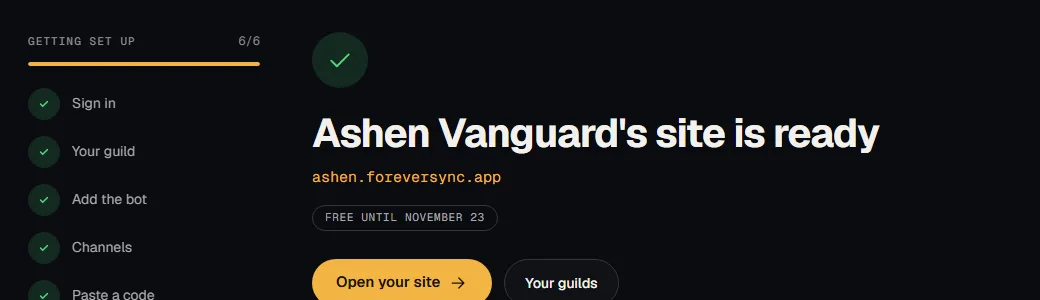
5Install the app or skip; choose Open your site when setup finishes.