5 steps
Post a raid and take sign-ups
One event, with sign-ups on the site or Discord.
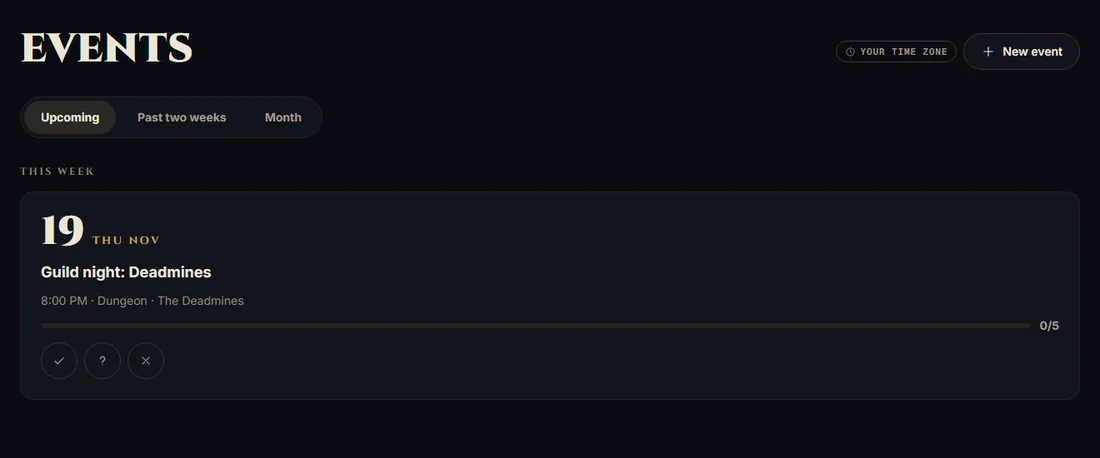
1Open Events → New event as an owner or someone with Raids edit access.
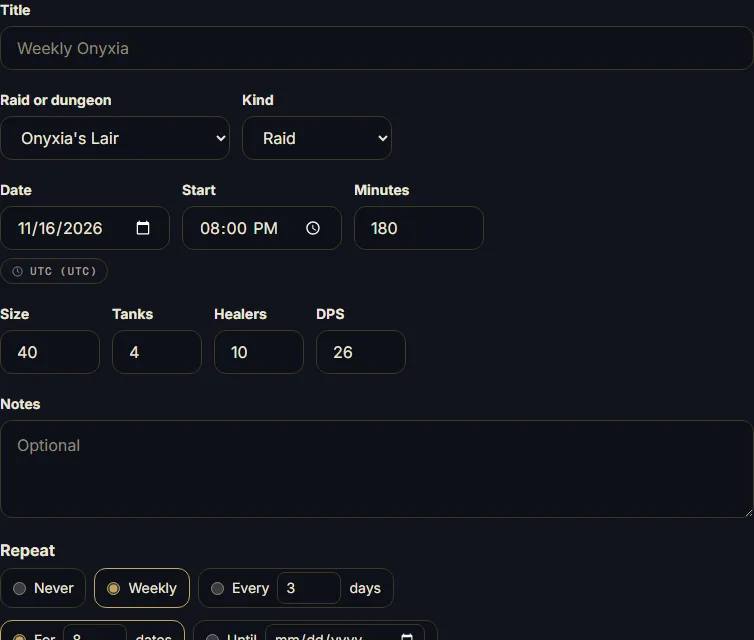
2Choose the raid, date, time, size, and roles. Check the guild time zone.
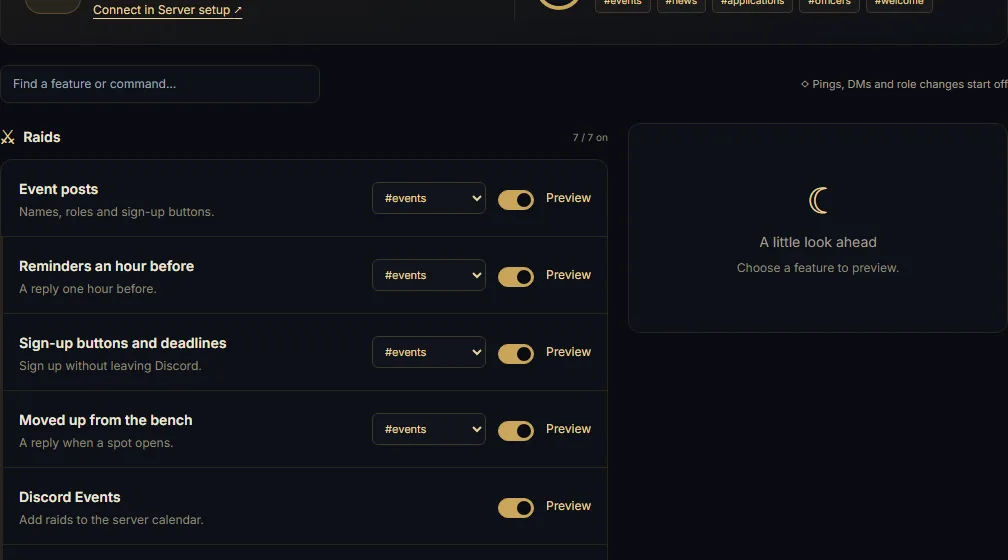
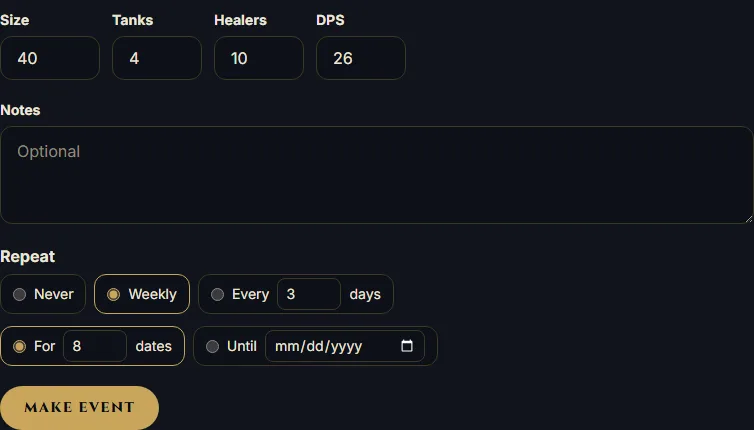
3Choose repetition, then Make event. Enable Event posts and pick an Events channel for Discord.
4Sign in with Battle.net on My characters, then open the event and sign up.
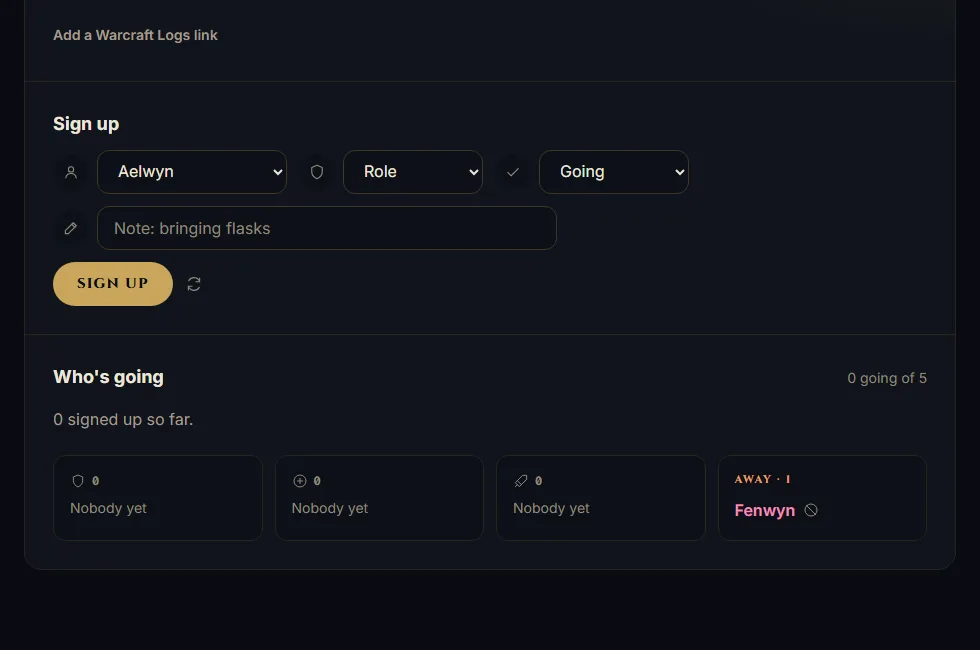
5In Discord, enable Sign-up buttons and deadlines; members use the event post's buttons.