4 steps
Use your own domain
Point your own address at your guild site.
1Open Admin → Domain. Domains need Plus (payment or trial) and enabled hosting.
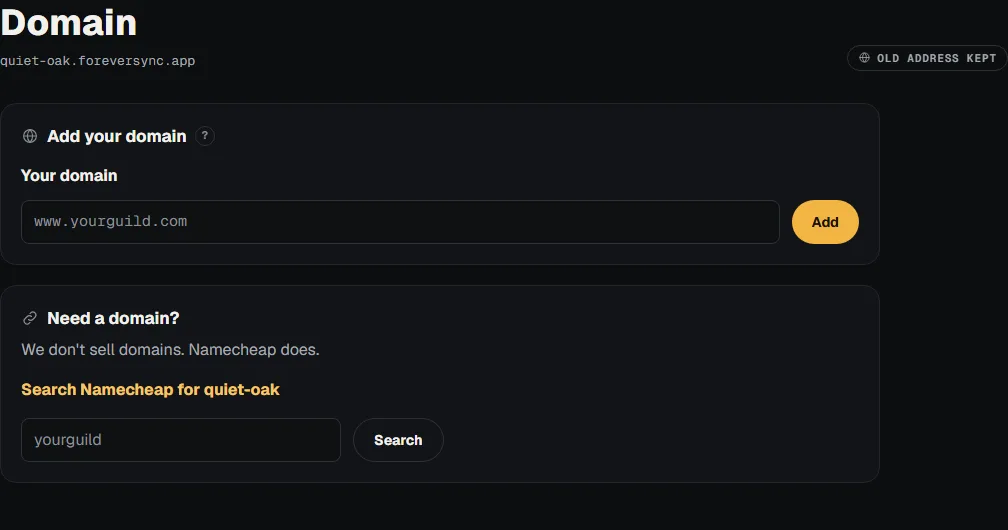
2Enter a domain you own, such as www.yourguild.com, then add it.

3At your domain provider, copy the DNS records shown here exactly; never copy this example.
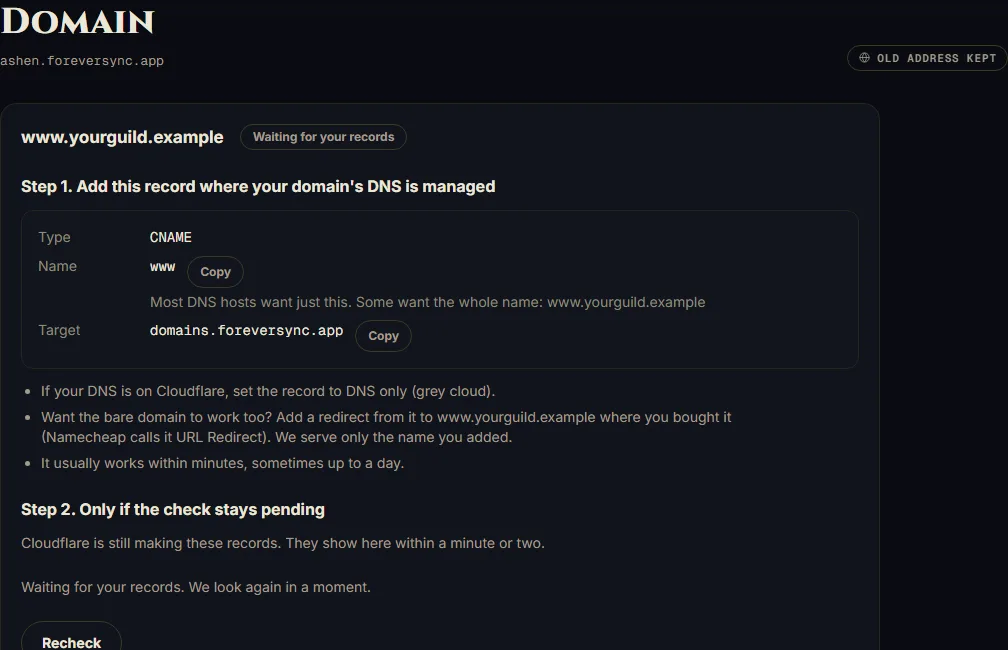
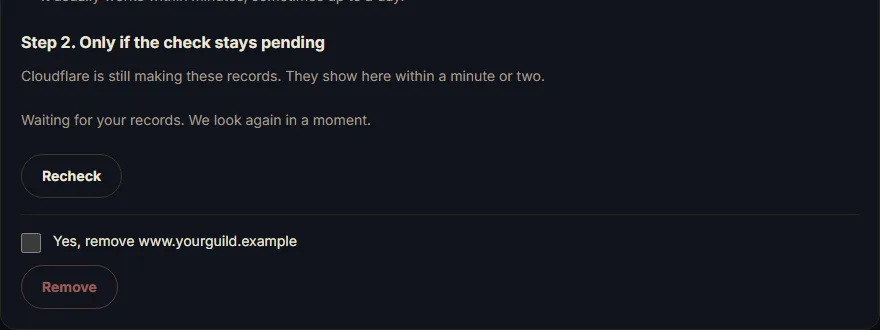
4Choose Recheck until Live. Your original Forever Sync address keeps working.