4 steps
Give officers access
Let the right people help, area by area.
1Sign in as the guild owner. Open Admin → Permissions.

2Under Grant access, choose a linked person, Discord role, or game rank.
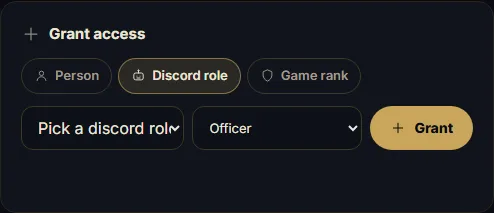
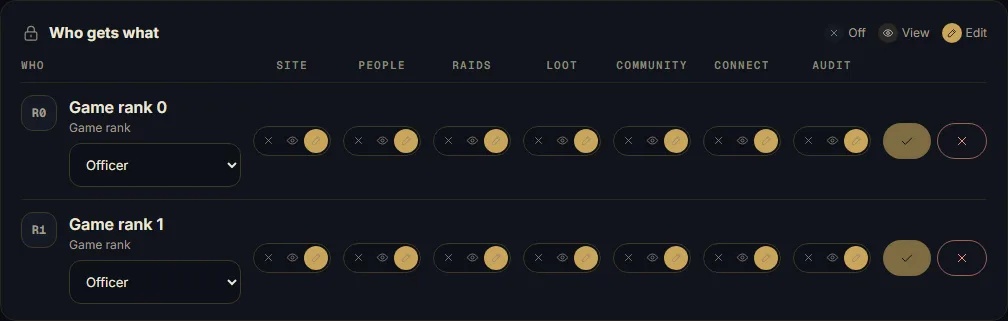
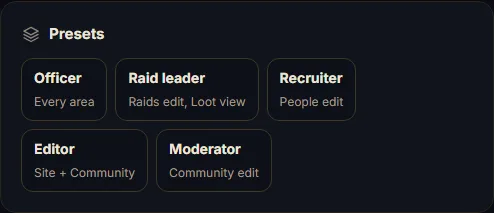
3Choose the Officer preset, then Grant. Review each area's Off, View, or Edit access.
4Save changed areas. Billing, Domain, and Permissions stay owner-only; check the officer's linked identity.