6 steps
Get the addon and app; first sync
Windows setup, game codes, and a fresh site.
1Download the Windows app. It installs and updates the free addon too.
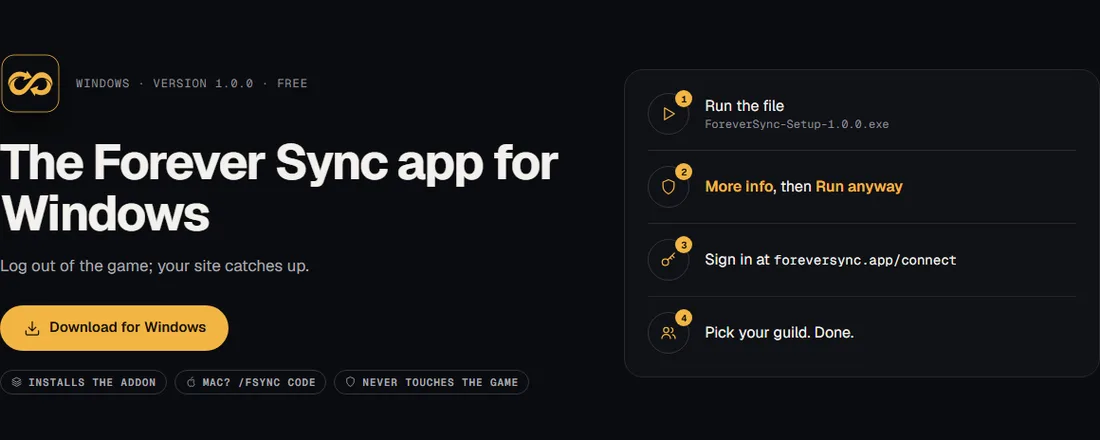
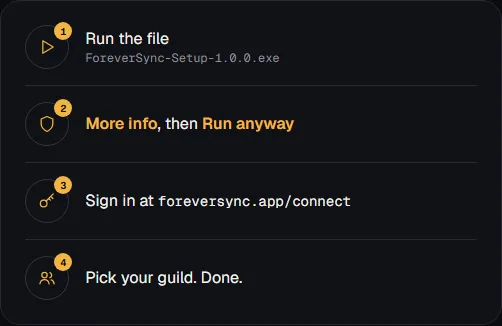
2Run the installer, sign in at /connect, and pick your guild.
3Enable the addon in WoW. Log in, then log out to save your first sync.
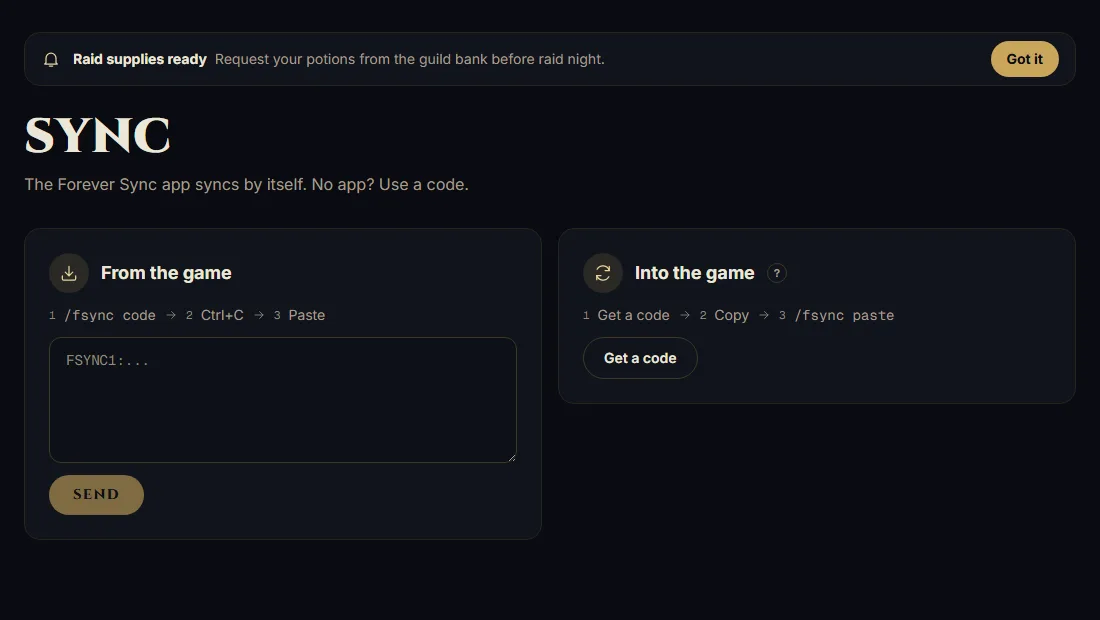
In game → Log outIn-game step · illustration4No app, or on Mac? Type /fsync code in-game and copy the code.
/fsync codeIn-game step · illustration5Open your guild's Sync page. Paste the code under From the game, then Send.
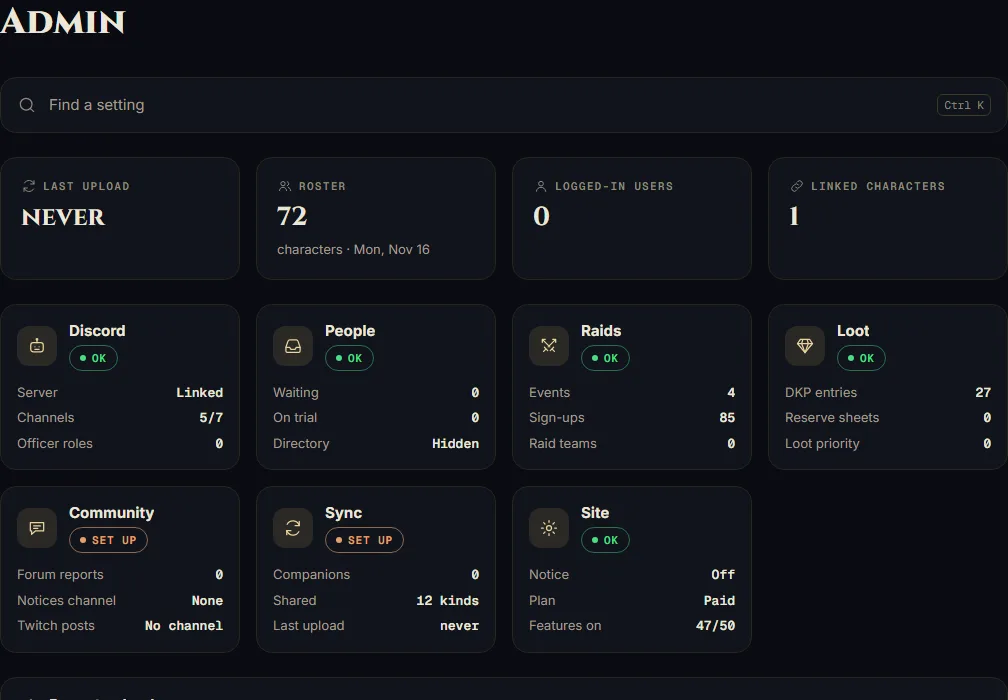
6Still stale? Check Admin's last sync, your selected guild, and the app is running.