5 steps
Connect the bot and pick channels
Get announcements into the right Discord channels.
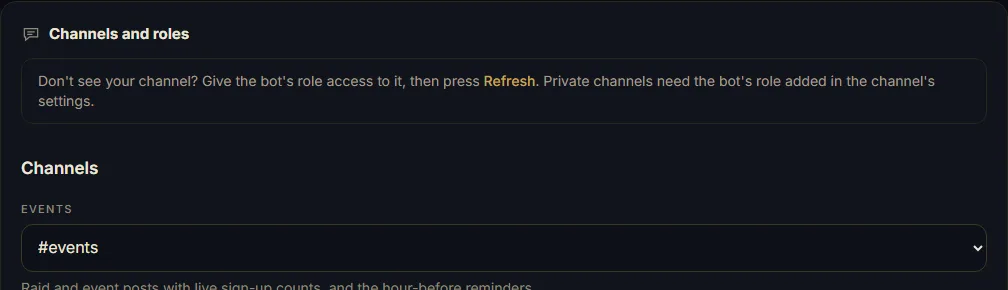
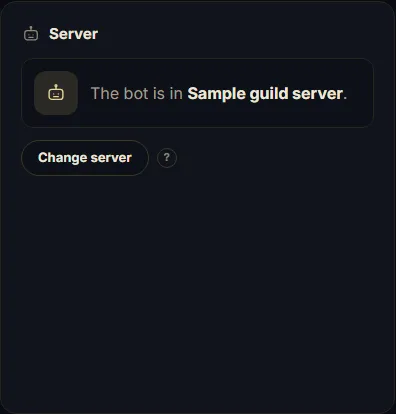
1Open Admin → Discord bot → Server setup to check the connected server.
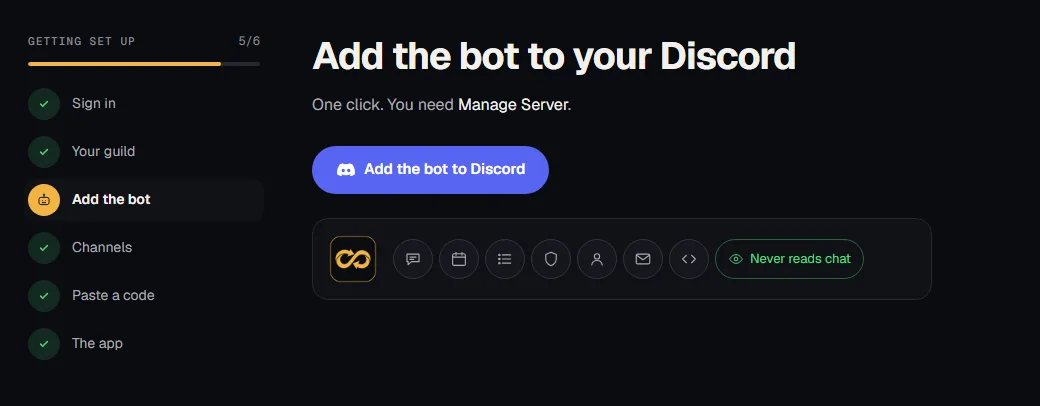
2Choose your Discord server and authorize. You need Manage Server.
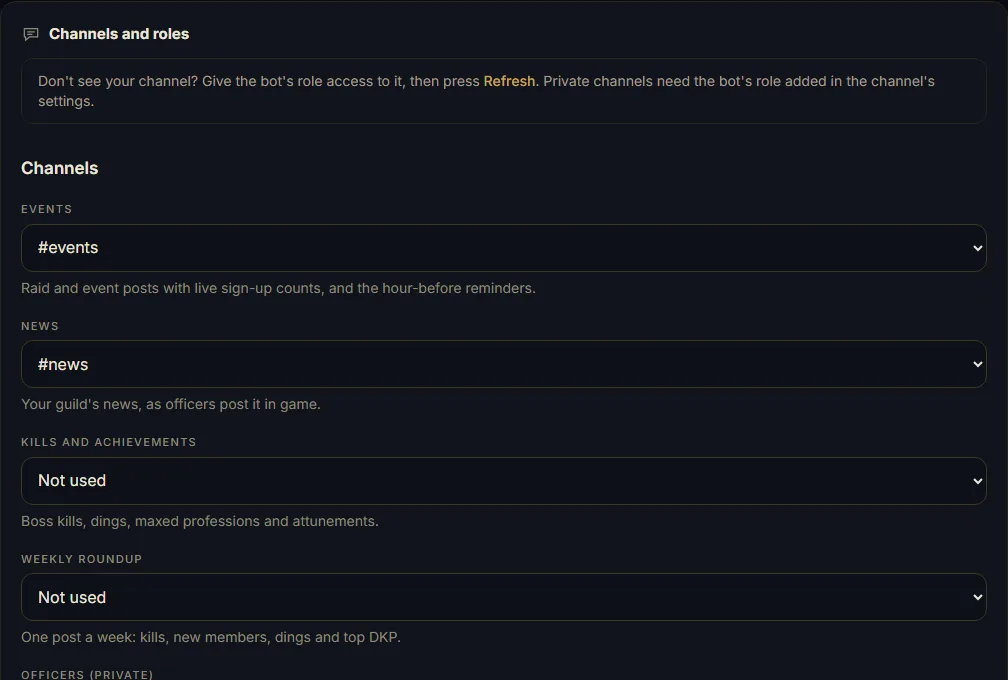
3Pick channels under Channels and roles. Empty channels skip posts. Save channels and roles.
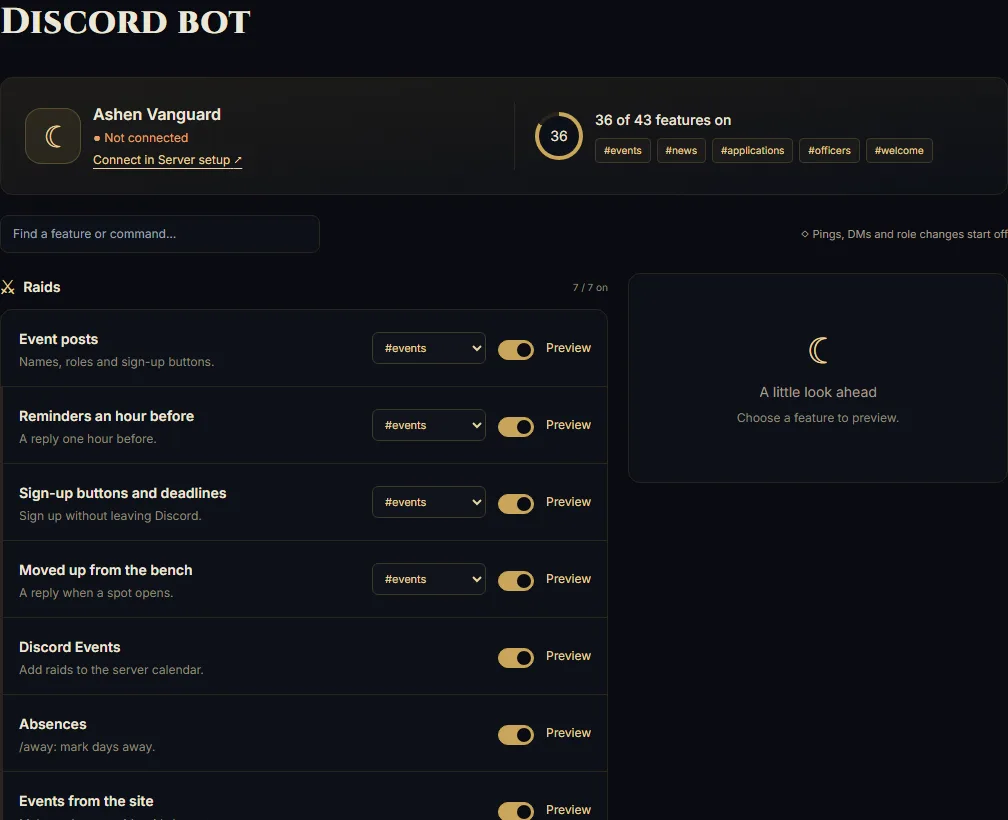
4Enable Event posts and Sign-up buttons in Discord bot controls, then Save.
5Not posting? Check channel access: View Channel, Send Messages, and Embed Links.